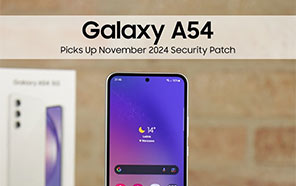
The Galaxy S lineup and most of the flagship phones in the same class are being updated with the One UI 8.5 update. But the rest are grabbing the usual security patches. They went ahead and released the May 2026 security update for the Samsung Galaxy A54 today. This is everything we know about it.

The patch actually fixes 36 security issues the current firmware has on the Galaxy A54. It’s quite a small update. We’ve learned that its size is just under 287MB, and they’ve unlocked it in Asia and the Middle East first. Saudi Arabia, if you want to be more specific.
The firmware version will be upgraded to A546EXXSJEZE5. The version and build number were actually brought forward by Mohammed Khatri on one of their X leaks. That was actually the first source that pointed out this story.
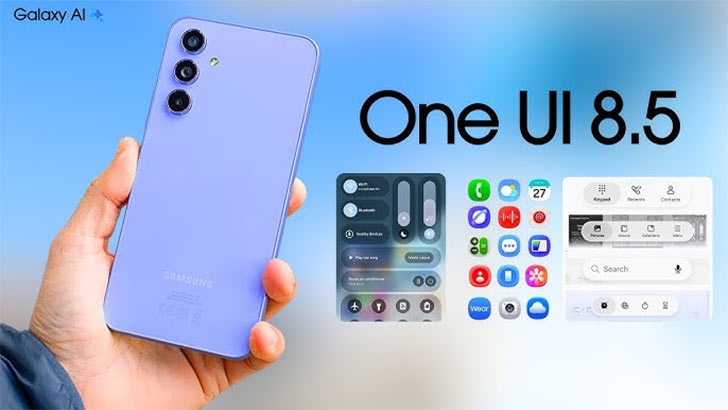
Handsets like the latest Samsung A model only got the May patch this time around, so the whole month is basically allotted for the monthly security update. One UI 8.5 might come next month for any Galaxy A series phones that are left. By the way, the phones that have already grabbed the One UI 8.5 were also updated with the May 2026 patch.
We know all about the contents of this small update. It’s said that the May 2026 patch has 30 fixes (CVEs) from Google. Samsung-specific security issues were actually just 6 (CVEs), which were labeled moderate risk. The core Android system has vulnerabilities from critical to high risk.
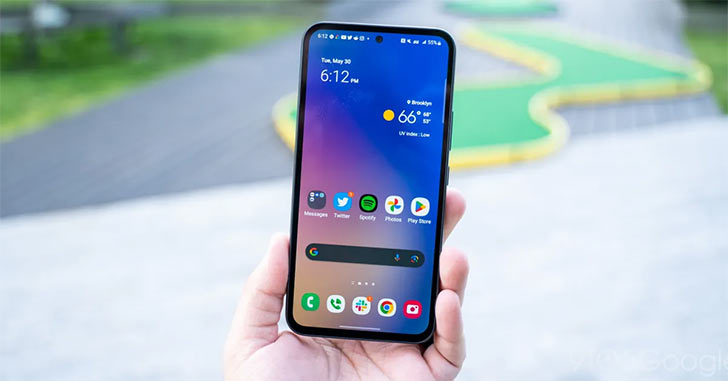
All the weak points are being addressed through the patch, or at least that’s the case for the ones they’ve found. It’s like the game of whack-a-mole that never ends, so you can’t really bring the software to perfection. Of course, you should be on the lookout for the OTA package.
Any owner with a Galaxy A54 must go to Settings right now and check for updates. The option will be there in the Software Updates center. When they’ve deployed the May 2026 security patch, it should show up in the menu with the Download and Install button. That’s your ticket to the new firmware. Keep watching the news for follow-ups.