Samsung Galaxy S25 series missed out on a few Galaxy AI features when it was updated to One UI 8.5 last month. Those features have now been added to the S25 lineup via the June 2026 security update. There are at least three of them, all detailed below. This is everything you need to know.

Prioritize Notifications is one of the features that was present on the S26, but was held back on the Galaxy S25 lineup when they updated it. This is a tool that uses AI to rearrange notifications, so the important ones appear first, all based on the content and information about you.
There’s another Galaxy AI feature in this June 2026 update, and it’s also notification-related. The tool is Summarize Notifications, and it works exactly how it sounds. Longer notifications will be summarized. A quick glance is all you need to know what the notification says without expanding it.
File Summaries is one more Galaxy AI feature in the update. The tool will look into PDF and TXT files to generate summaries of the file content. It can even summarize any audio files in the sound recording app. Those are the big three we found in the June update. Check the latest Samsung mobile prices to compare different Galaxy models and find your best budget Smartphone.
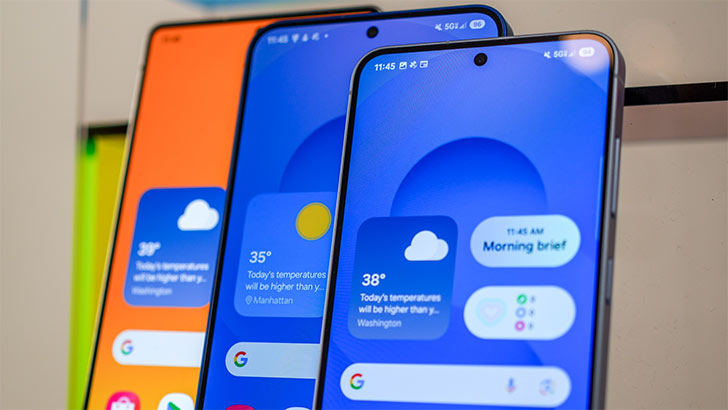
Of course, it’s the June 2026 security patch, so the Galaxy S25 series is getting all 45 security fixes that we’ve been seeing on other devices. The patch is bigger than usual, though. It’s around a 900MB download over the air, and the update has only been unlocked in South Korea so far.
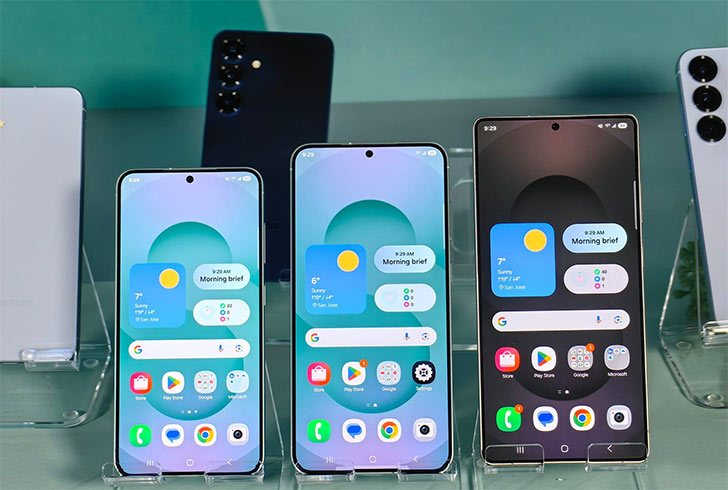
By the way, this new update can be recognized by its new firmware version S93xNKSUACZF1. The number will partially match if you have the global S25 device. The update will install without you knowing if automatic updates are turned on.
But you can also manually check if there’s an update to download. Go to Settings and then the Software Updates menu. “Check the Updates” and then “Download and Install” it. It will take a few minutes and a quick reboot for the update to complete. Keep watching the news for more.